
▶
Cue & timeline playback
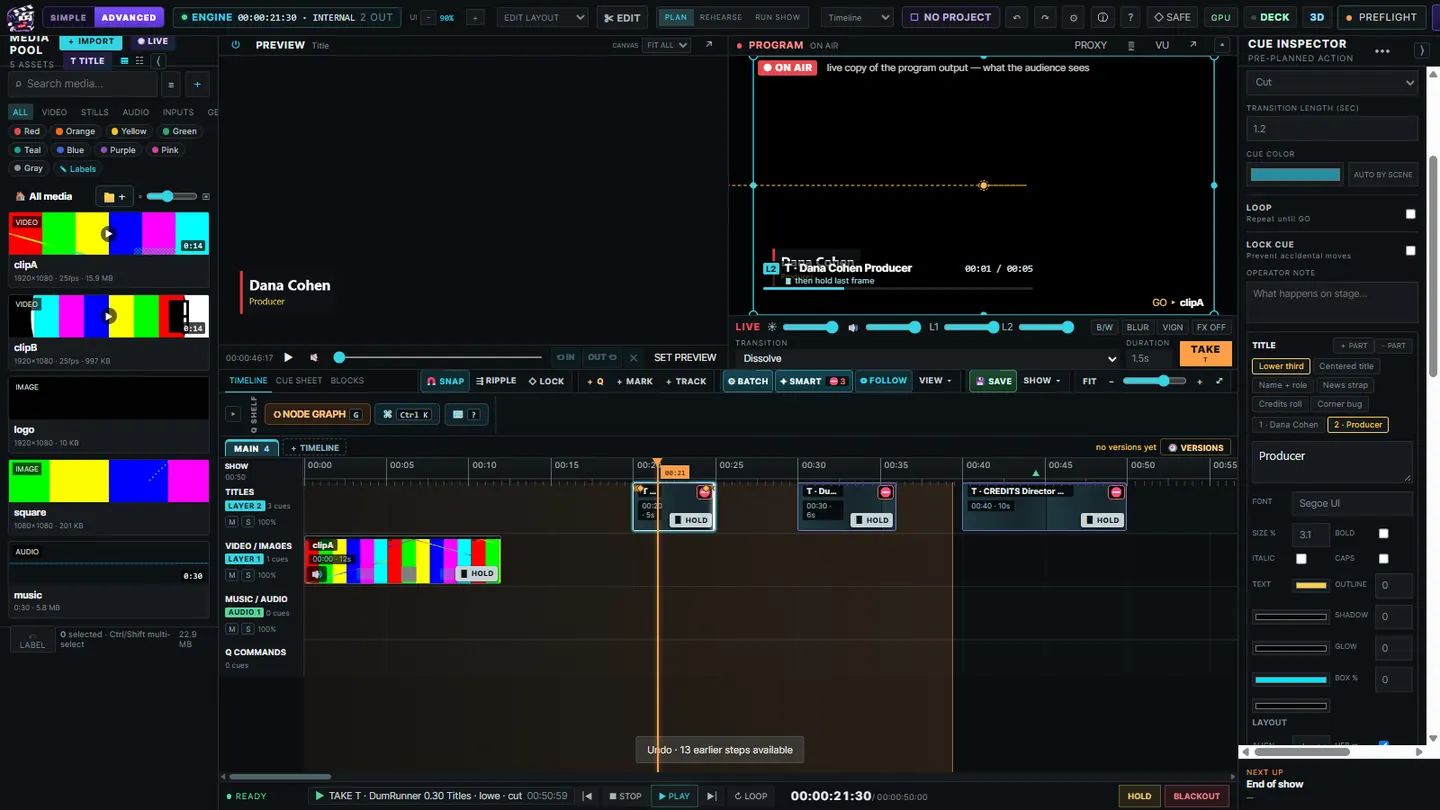
Run the show from a timeline of cues with PLAY, TAKE, HOLD, and BLACKOUT — built for live operation, not only for editing.
Version 0.30.0
A Windows system for running cues, titles, lighting, and streams in events, venues, and broadcast — with an AI assistant that helps build the show.
Everything you need to play a show, change it under pressure, and get a picture on the output, the stream, or the hall.
Run the show from a timeline of cues with PLAY, TAKE, HOLD, and BLACKOUT — built for live operation, not only for editing.
SOURCE and RECORD monitors with blade, ripple, roll, slip, and slide. Edits stay local until you press PLAY, so the output is not touched mid-show.
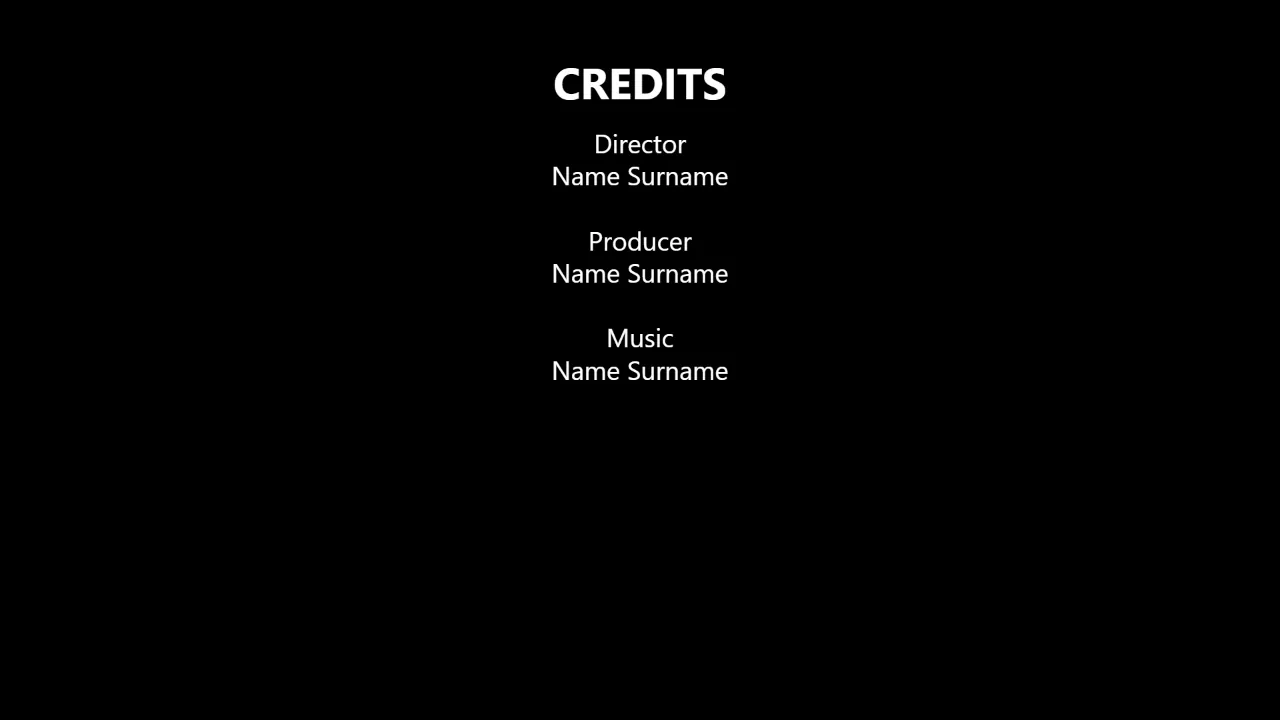
Six designs — lower thirds, name straps, news straps, credits, typewriter, and more — including Hebrew with right-to-left layout.
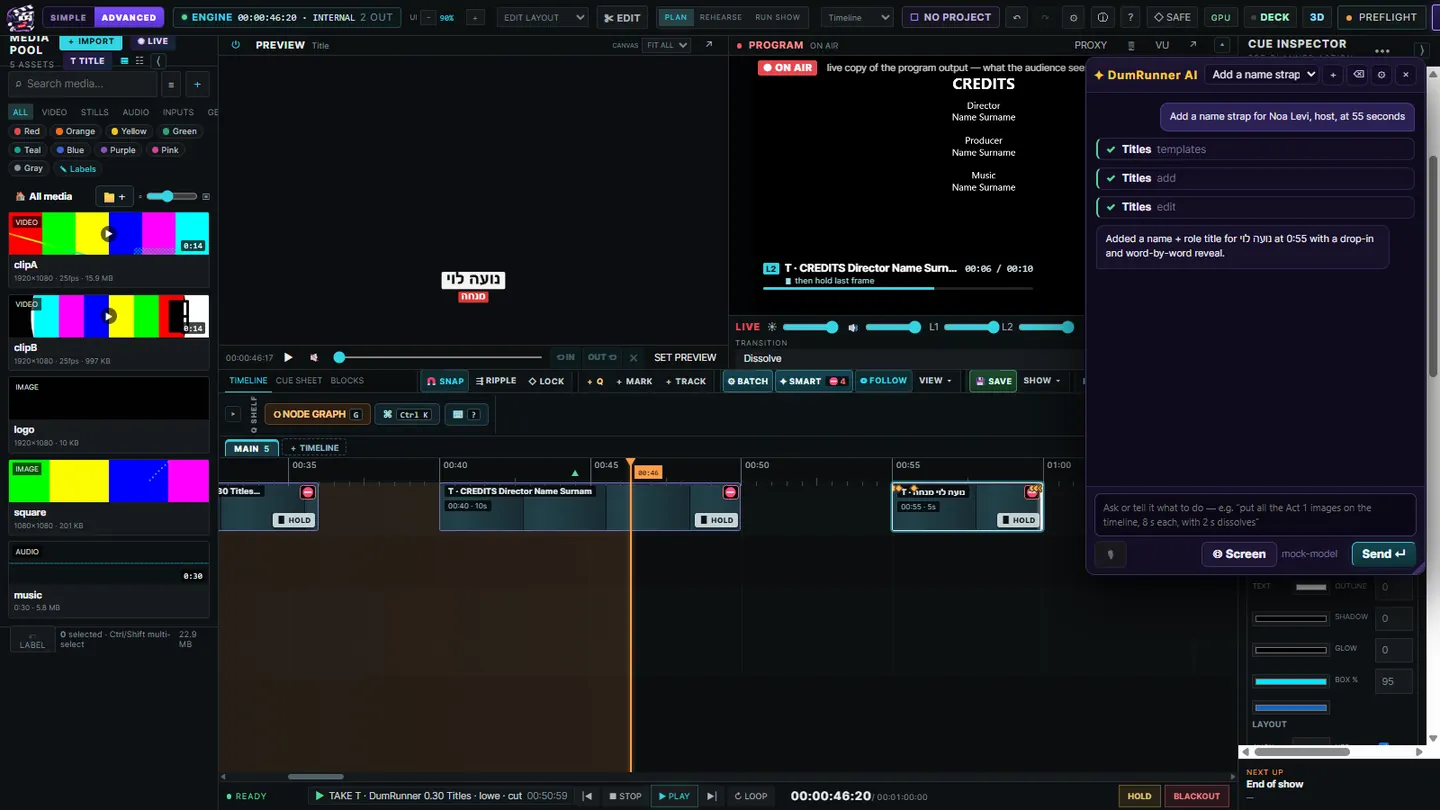
gpt-4.1 can build and change a show from a PDF or from producer instructions, with undo for every change and approval cards before it acts.
Captions from DumRunner’s own speech engine, on the machine, with word-level timing. No other program is required. The engine is an optional download on first use.
Control lights over DMX, Art-Net, and sACN, and preview the stage in a 3D lighting simulation before anything goes to the hall.
Bring in cameras, web pages, and NDI sources, and mix them on the timeline like any other clip.
Stream the program output with GO LIVE, or send it over NDI to other machines in the venue.
A programmable button grid for the moves you repeat all night — also ready for a Stream Deck profile.
Also built in: a guardian process that reopens the app and resumes the show after a crash, and export to MP4 (H.264 / HEVC with NVENC), MOV (ProRes), MP3, and WAV. HAP playback is supported for tight loops and frame-exact cues.
Made for people who have to put a picture on a screen when the room is already full.
Live playback, titles, and lighting cues for conferences, launches, and staged shows.
A show computer that can reopen fast, keep the output up, and sit next to a button deck or a Stream Deck.
Lower thirds, name straps, and news straps — including Hebrew — over program video or a live input.
The control room, the AI assistant, and the title designs as they appear on the program output.


A ready-made profile for Elgato Stream Deck, mapped to DumRunner’s existing local commands. Import it with a double-click — no extra plugin to install.
The profile download will be added here when the file is hosted. Temporary icons can later be replaced with the final set, using the same file names. A listing on the Elgato Marketplace is not submitted yet.
Stream Deck software from Elgato, and DumRunner running on the same Windows computer. The buttons use the built-in Website action to reach DumRunner on the local machine.
Free installer for Windows. Close any running DumRunner before you install a new version.
Windows 10 or Windows 11, 64-bit. An NVIDIA GPU is recommended for NVENC export and faster subtitles; the app can fall back to the CPU if no supported GPU encoder is available. The speech engine for subtitles is not in the installer — DumRunner can download it once, on first use (about 1.7 GB, or about 3.0 GB with the NVIDIA pack and Hebrew).
The installer is not code-signed yet, so Windows SmartScreen may warn you. Choose More info, then Run anyway. If you download from Google Drive, a large file may also show Drive’s virus-scan warning page before the download starts — that is normal for files of this size.
Windows 10 / 11 x64 installer · about 219 MB · DumRunner-0.30.0-Setup.exe